
Features
Everything here is what we are building for the first version and shortly after. What is ready and what is not is on the "What's coming" page.
Everyday use
A desktop that makes sense
A menu bar at the top, a Dock with your apps at the bottom, and a Control Centre for Wi-Fi, sound and brightness. Windows open where you expect them.
Search for everything
Type to find apps, files and settings, or to do a quick sum.
The essential apps, ready
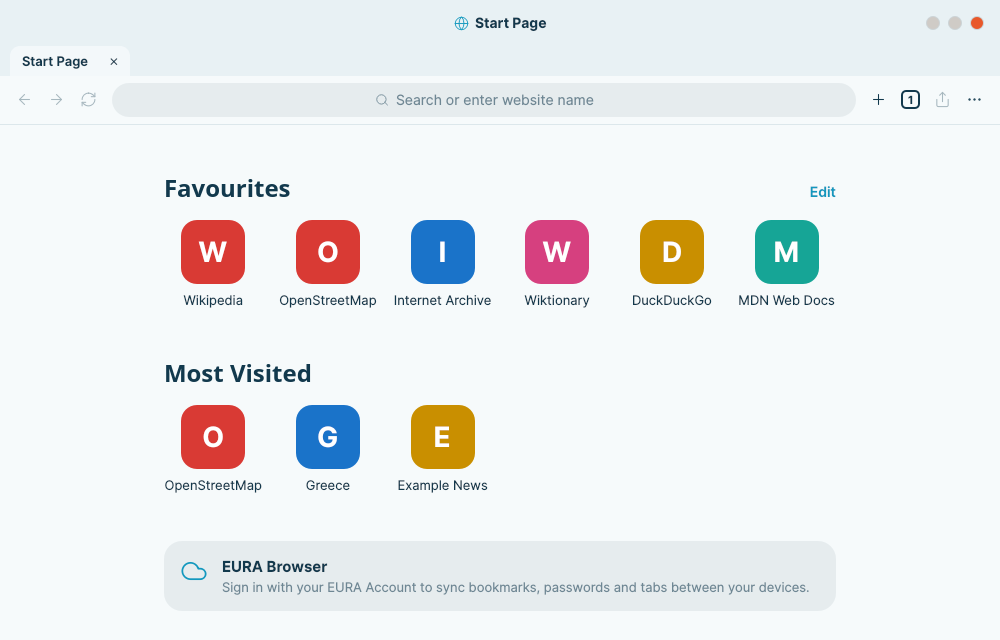
Browser, Files, Mail, Calendar, Photos, Music, Notes, Maps, Weather and more, all in the same style.
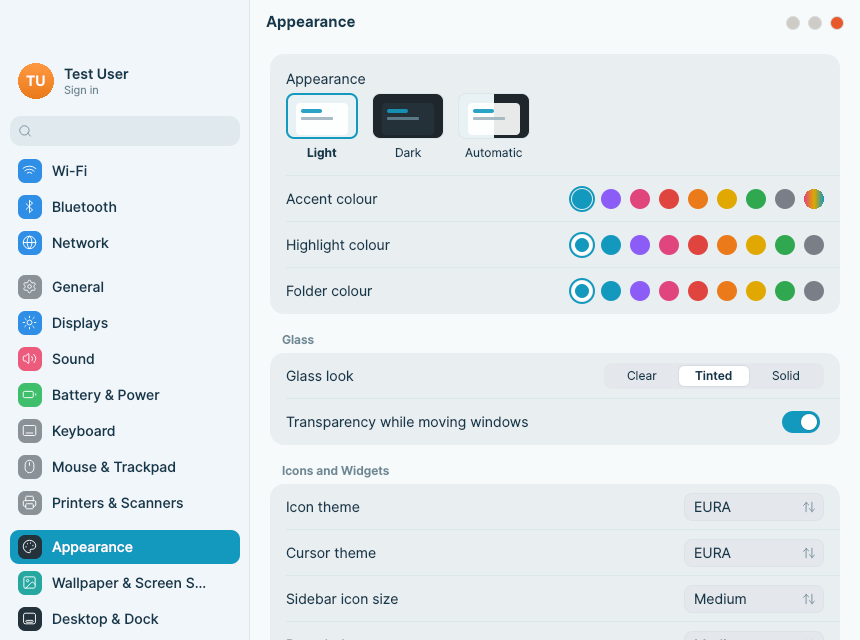
Settings in one place
Every setting of the computer in one app, with search and plain explanations.
Apps and games
App Centre
Find, install and update apps in one click. Each app tells you up front what access it needs.
Apps from Flathub
Flathub apps appear right in the App Centre, next to all the others.
Windows programs
Many Windows programs run in their own separate space. Steam installs in one click.
Game Mode
While you play, the computer gives the game priority and holds back notifications.
Security and privacy
Calm by design
The system can't be changed by accident. Every update is signed and checked before it is installed.
Encryption with one switch
Your files are encrypted, so anyone who takes the disk cannot read them.
You decide what apps can see
Camera, microphone, location and files only with your permission, which you can change at any time.
No tracking
No ads and no usage statistics. Crash reports are sent only if you allow it, and you see what's in them first.
Updates and recovery
Updates without waiting
The new version downloads and installs in the background. You just restart when it suits you.
A safe way back
If the new version does not start properly, the computer returns to the previous one by itself.
Backups
Scheduled backups to an external disk. Restore one file or the whole computer.
Recovery when things go wrong
A separate recovery tool repairs, restores or reinstalls the system, even from the internet.
With your phone and other devices
Your phone on your computer
Notifications, messages, calls and files from your phone, right on the computer.
Android apps
Android apps in their own windows, next to everything else.
Find Devices
See where your devices are on a map, make them ring, or lock them with a message for whoever finds them.
For everyone
Accessibility
Zoom, colour filters, captions, voice control and a screen reader.
Family
Accounts for children, time limits and content filters that you set.
An assistant on your computer
Help with writing, summaries and answers about settings. It works on your computer without sending your texts anywhere, and it stays off until you turn it on.